Importing Data
This article covers how to create or update some of Fenerum entities in bulk by importing csv/excel file or through our API.
Guides

Guide for importing historical MRR and churn activities.
Guide for importing subscriptions to Fenerum.

Guide for importing and deleting invoices in Fenerum.

Guide for importing transactions to Fenerum.

Guide for importing credit cards to Fenerum.
File-based import
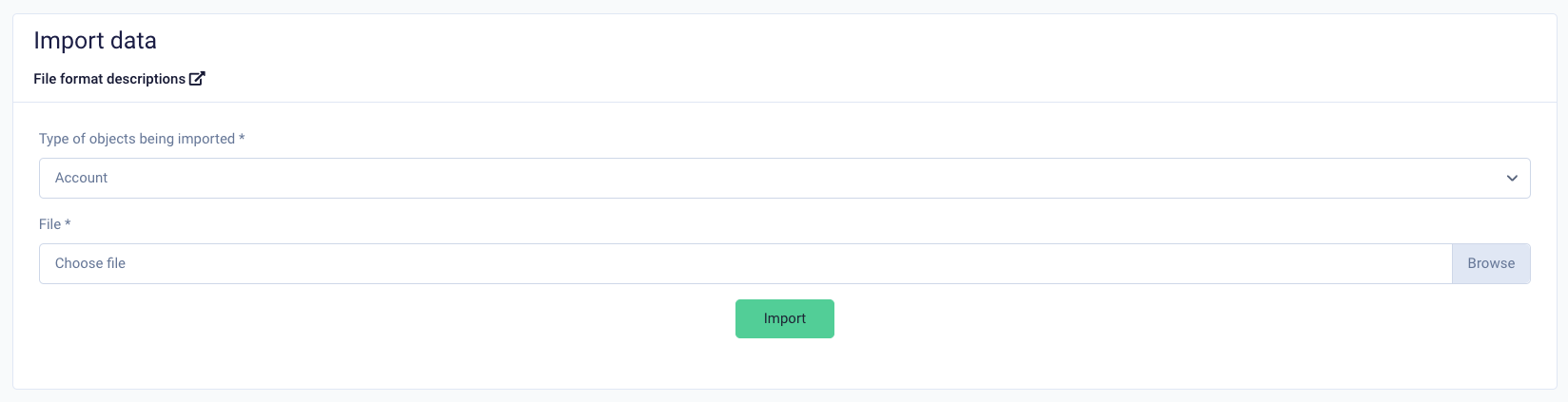
To import data simply head to the Import data section of settings. There you'll find a simple form. Choose what kind of object you want to import and provide your file. You'll get detailed response in case of problems with parsing your file, otherwise the objects will be created and you'll see a success message stating how many objects were created.
File requirements
- For csv file delimiter should be a comma.
- Each file must follow schema for corresponding object.
Available import schemas
You can find detailed schema documentation for all importable objects in the application. Each schema page includes field descriptions, required fields, and downloadable example files by clicking on "Get example file" button:
- Plan
- Plan terms
- Account
- Recipient
- Revenue group
- Contract
- Contract tier
- Payment card
- Subscription
- Product pricing
- Product
- Manual activity
- Invoice line
- Draft invoice line
- Transaction
API-based import
Head to API documentation to check which objects can be created and updated through API.