Managing add-on subscriptions alongside an existing subscription
This step-by-step guide shows how to add an add-on subscription during the main subscription's billing period so they can be invoiced together at the next renewal.
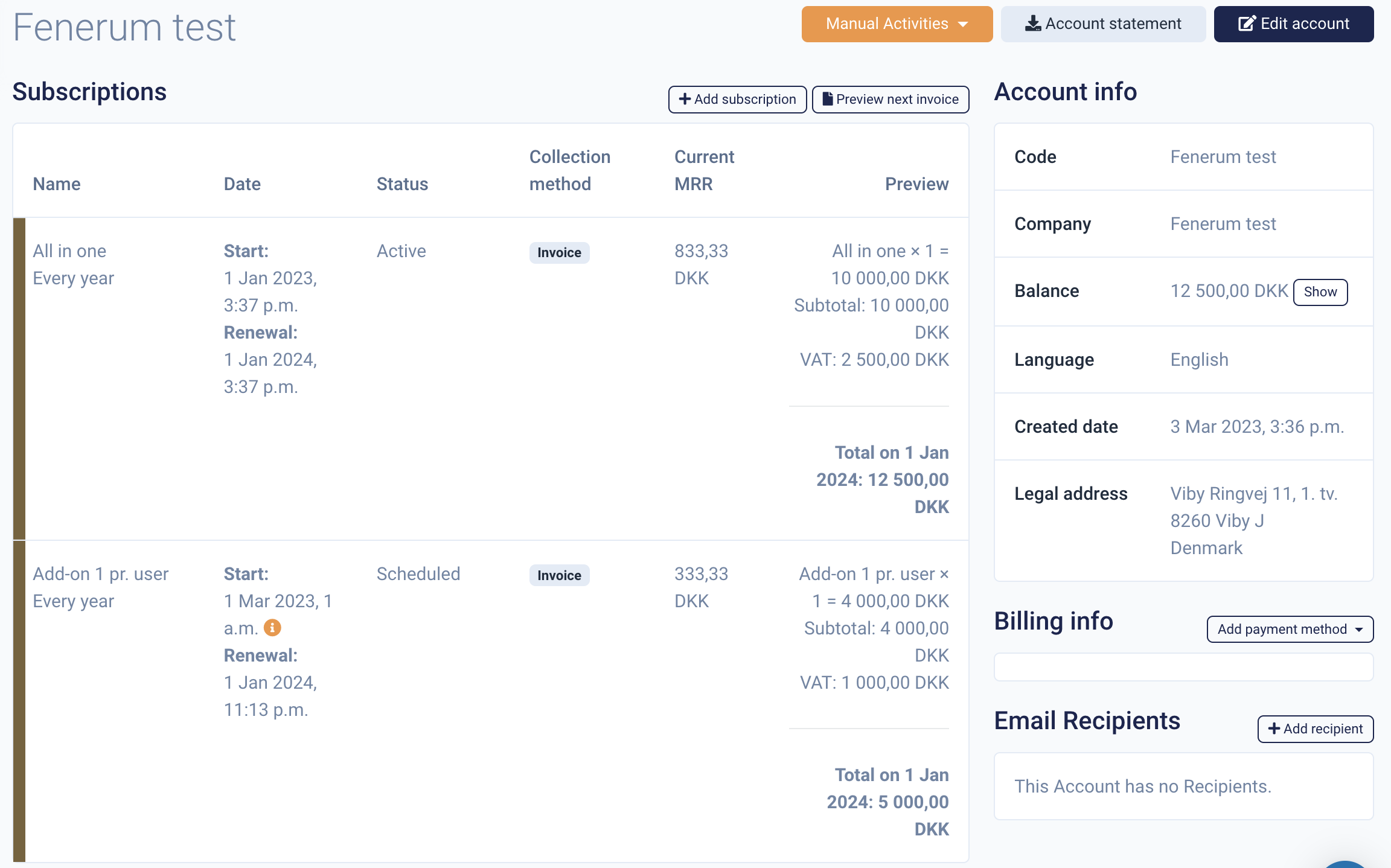
- This account has an active subscription running from January 1, 2023 to January 1, 2024.
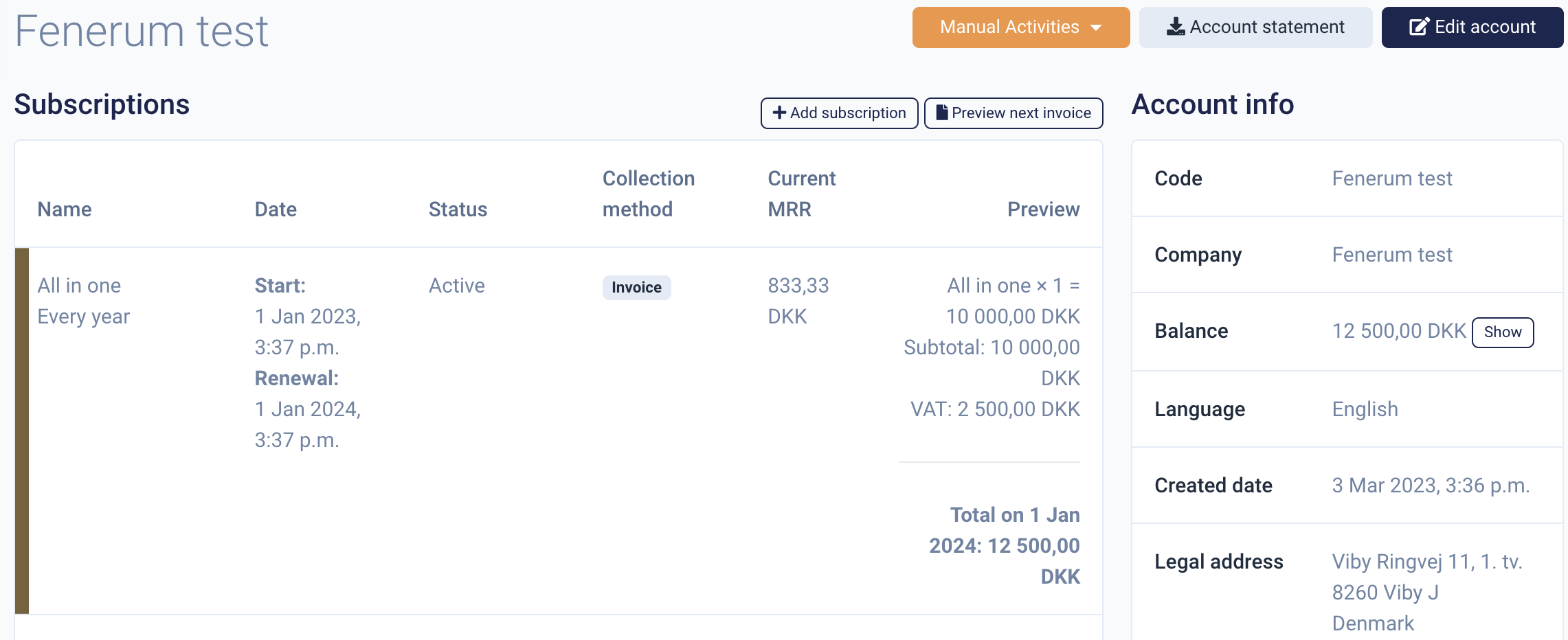
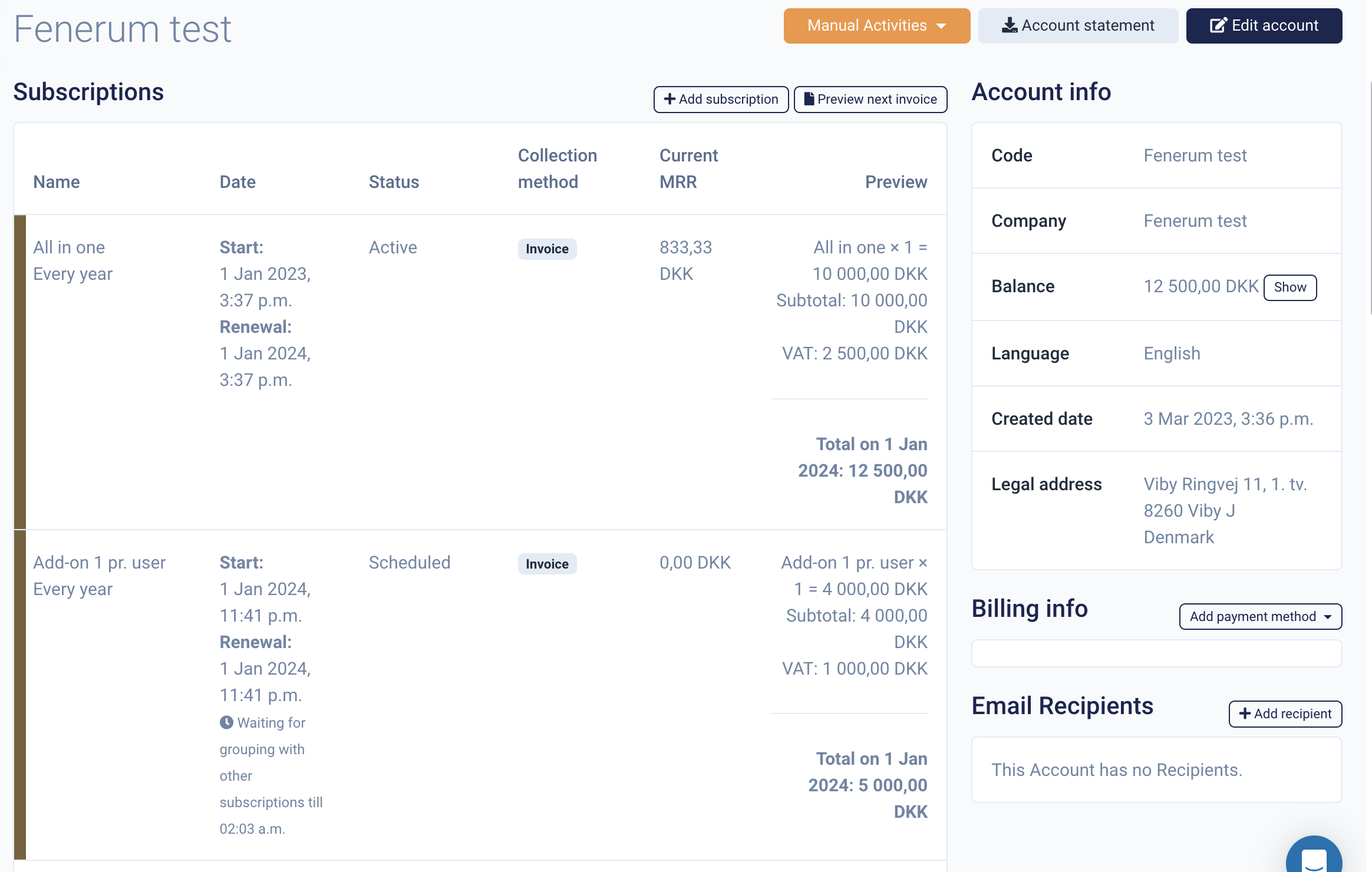
- An add-on product is purchased on March 1, 2023 and created in Fenerum with a start date matching the main product's renewal in January 2024. Because its current MRR is DKK 0, historical activities must be imported.
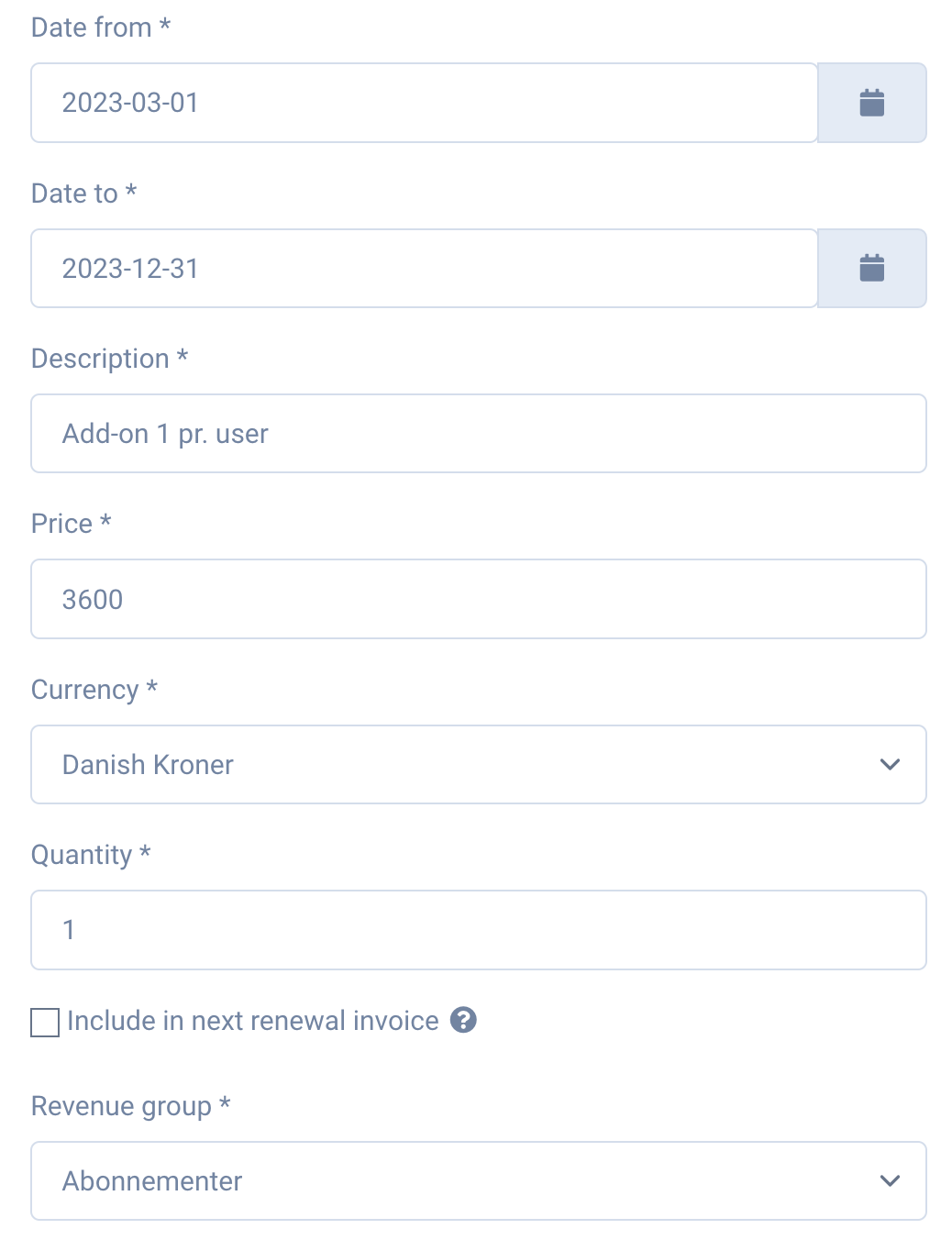
- Create a draft invoice line covering March 1 through the end of December 2023.
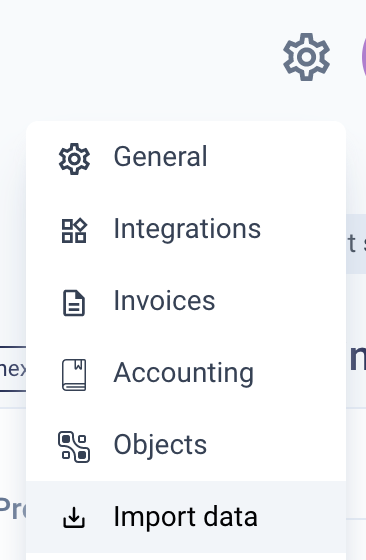
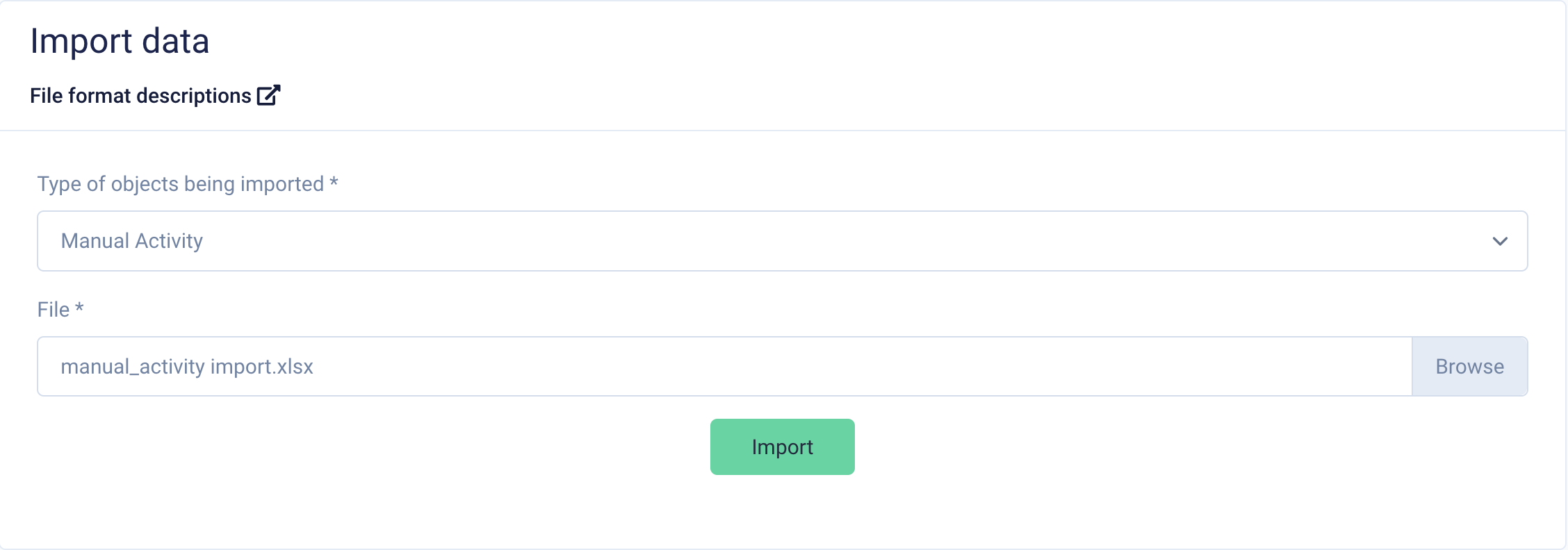
- Go to Settings → Import Data.
- Open the file format description.

- Select Manual Activity and download the example file.

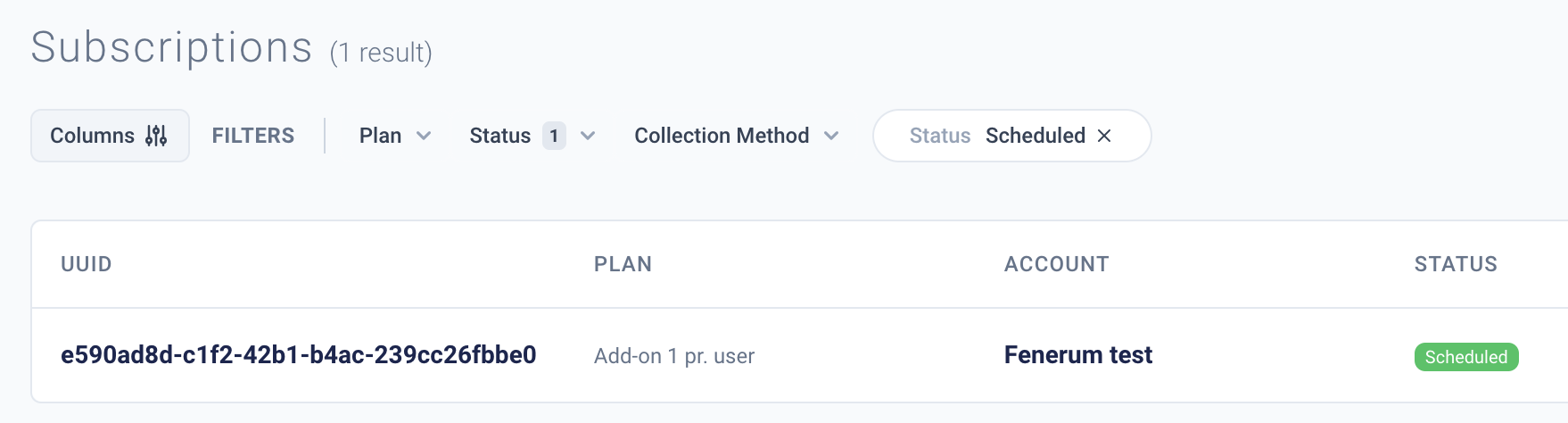
- Complete the template. The subscription UUID is available under scheduled subscriptions.
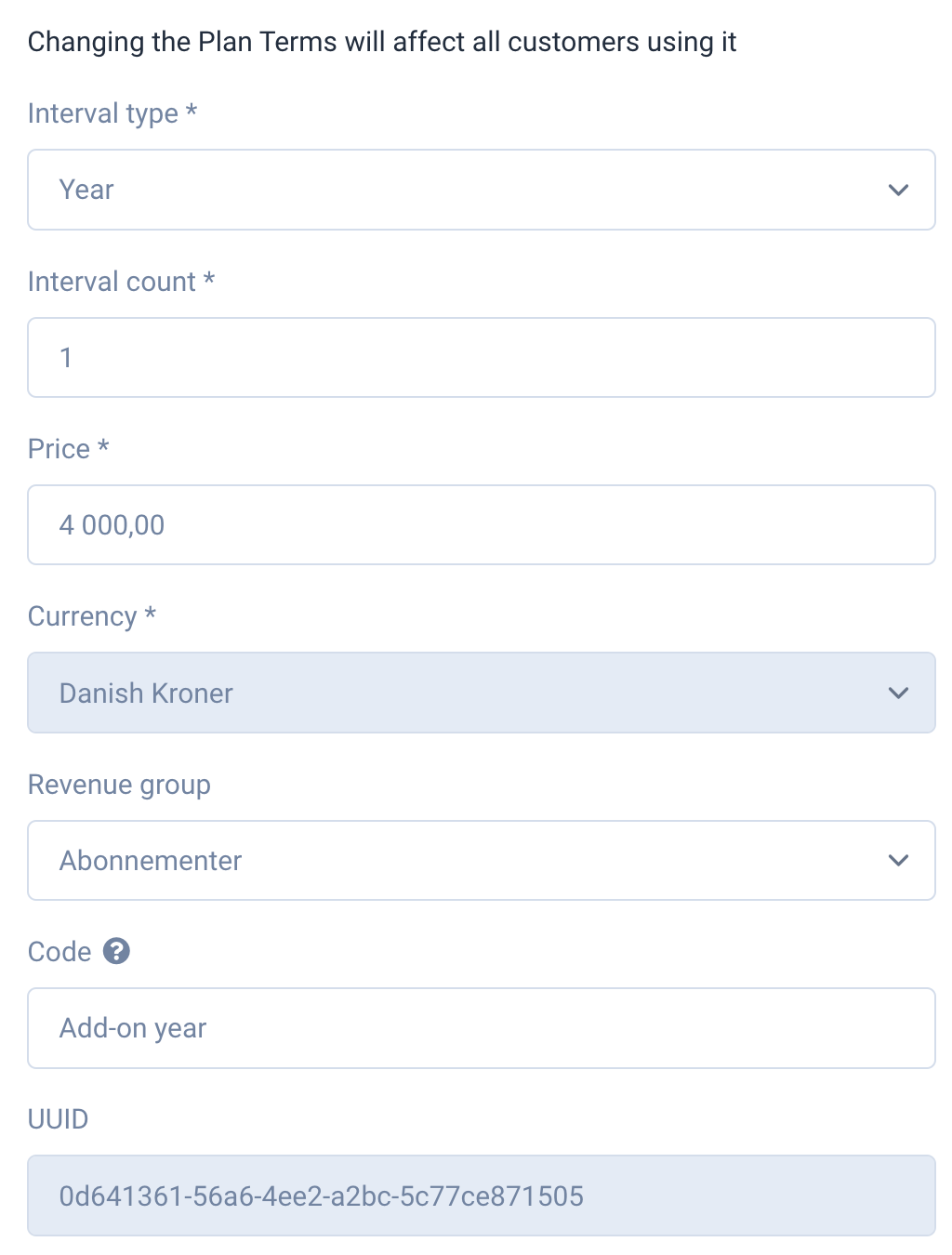
The terms value is the code field from the plan terms.
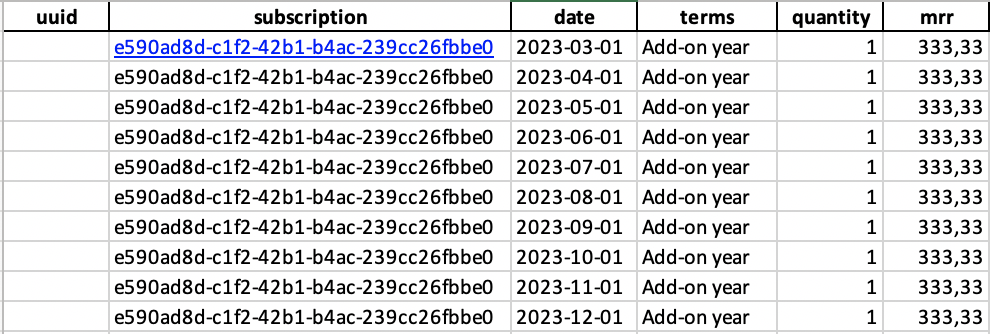
The completed spreadsheet should look like this:
- Return to Import Data and upload the new file as a manual activity.
- The add-on product now has active MRR even though it does not start until January 1, 2024.