Reseller management
Beta feature
This feature is currently in closed beta. If you are interested in testing this feature, please reach out to support@fenerum.com with your use-case
Reseller setup
- Mark an account as reseller
Create an Account as the Reseller. If you already have an account, make sure to make the boks "Use as reseller."

- Setup frequency
Choose if the Reseller billing Frequency has to be Weekly or Monthly
Example
Weekly: An invoice will be issued every Sunday around 22:00
Monthly: An invoice will be issued every last day of the month around 22:00
Start subscriptions invoiced by a reseller
- Add the reseller to an account
- Go the account and click edit
- Find the reseller in the drop down menu and click save
 2. Create a new subscription
Please see the guide for info about how to create a new subscription:
(https://www.fenerum.com/en-DK/docs/billing/subscriptions/)
The subscription will then be active, but there will be no invoice and balance on the account, cause the invoice line have been transfered to the reseller.
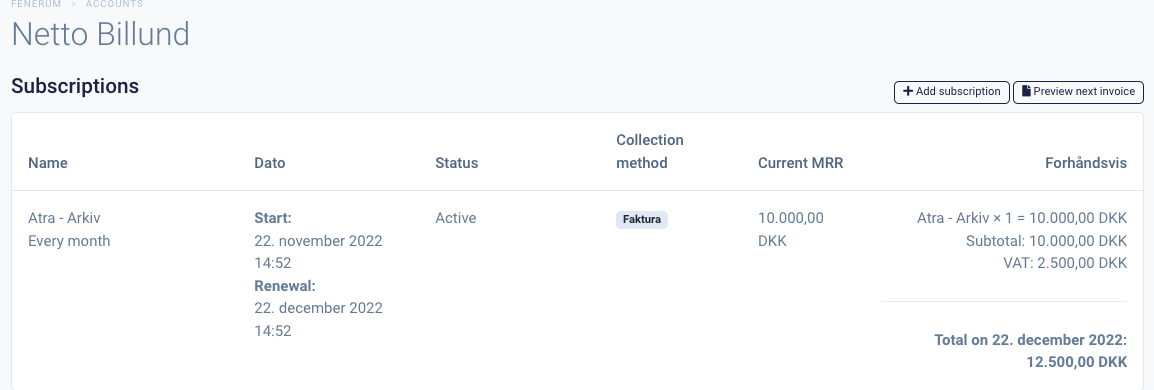 Reseller overview
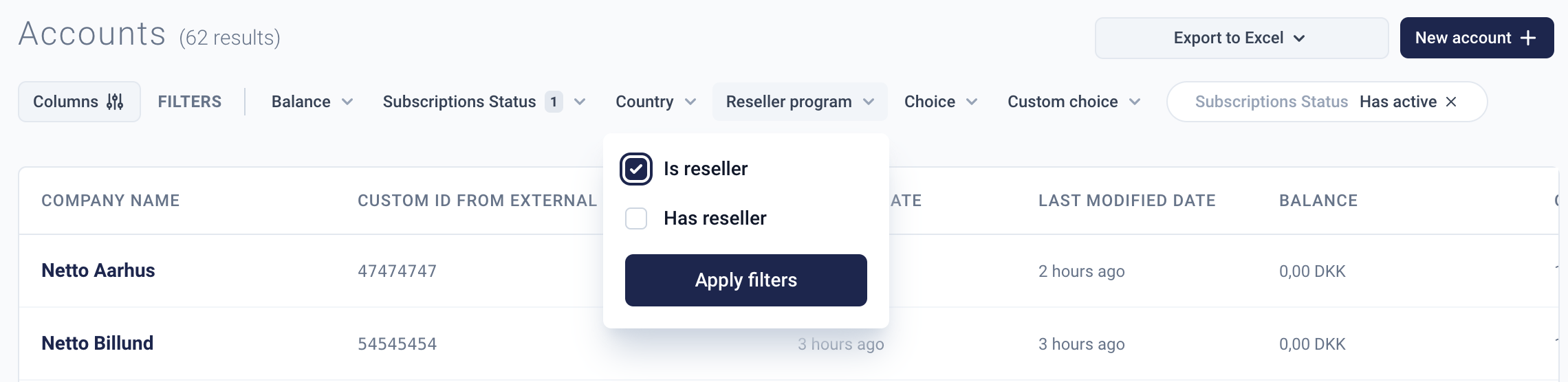
Find your reseller by using the filter in account overview
 When the draft invoice line or subscription is created on the accounts, you can now see it under the reseller:
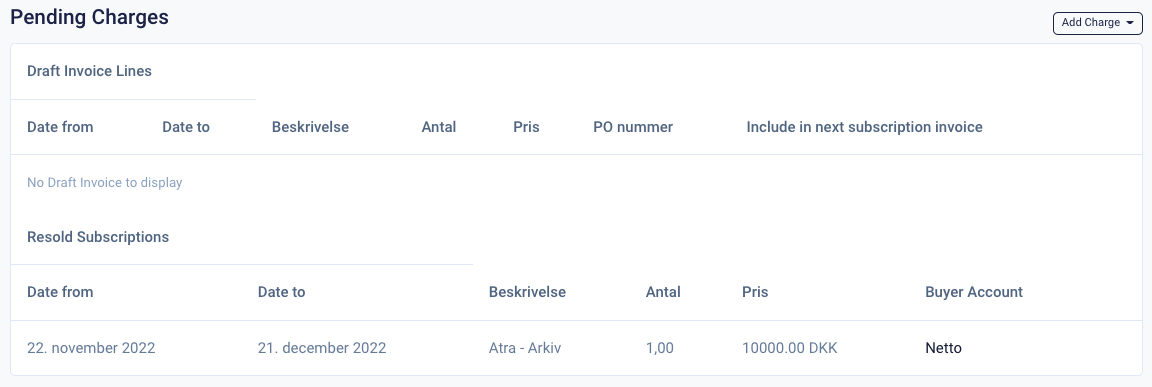 Here you can see the date, plan, amount, and buyer.
If you have chosen Monthly as the billing frequency: A invoice will be issued every last day of the month around 22:00.