Metrics
Follow your business with live SaaS metrics calculated directly from your billing data. Deep dive into your subscription data across any time range and interval to uncover patterns behind growth, churn and retention.
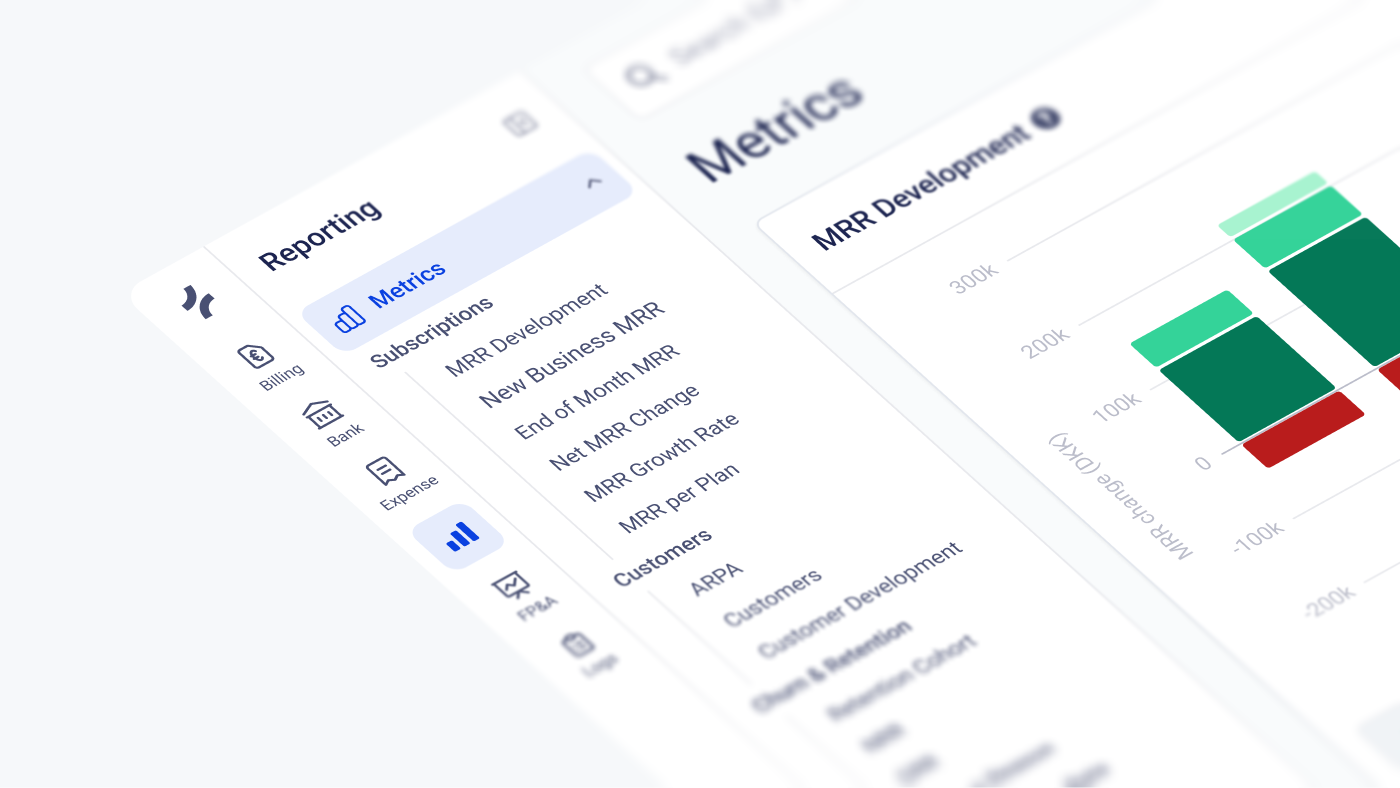
What is the Reporting module?
The Reporting module gives you live SaaS metrics calculated directly from your subscription and invoicing data in Fenerum, no spreadsheets or manual data pulls required. You can explore and analyse each of the currated metrics to learn more about your business.
All metrics are calculated on demand from your actual data, so they always shows real-time numbers. Amounts are displayed in your organization's corporate currency. If you want to understand exactly how a number is calculated, every metric lets you drill down to the underlying formula and data.
Available metrics
Subscriptions
- MRR Development — how your MRR evolves over time, broken down by movement type such as new business, expansion, contraction, churn and reactivation.
- New Business MRR — MRR added by new customers.
- End of Month MRR — your MRR as of the last moment of each period.
- Net MRR Change — the total change in MRR in a period, across all movement types.
- MRR Growth Rate — how fast your MRR grows period over period.
- MRR per Plan — how your MRR is distributed across your plans.
Customers
- ARPA — Average Revenue Per Account.
- Customers — how many paying customers you have over time.
- Customer Development — how your customer base changes over time, broken down by new, churned and reactivated customers.
Churn & Retention
- Retention Cohort — a cohort grid showing how much revenue you retain from each group of customers, grouped by the period they signed up.
- NRR (Net Revenue Retention) — how much revenue you retain from an existing customer cohort, including expansions and contractions. Above 100% means your existing customers grow more than they churn.
- GRR (Gross Revenue Retention) — how much revenue you retain from existing customers excluding expansions. GRR can never exceed 100%.
- Churn Reasons — your churned MRR broken down by cancellation reason.
- MRR Churn Rate — churned MRR as a percentage of your MRR base.
- Logo Churn Rate — churned customers as a percentage of your customer base, regardless of how much revenue each customer represents.
Finances
- Net Cash Movement — the net movement of cash in each period.
Get started with metrics
No set-up is required to get started with metrics, you have instant access to your data. Every metric gives you the same type of controls:
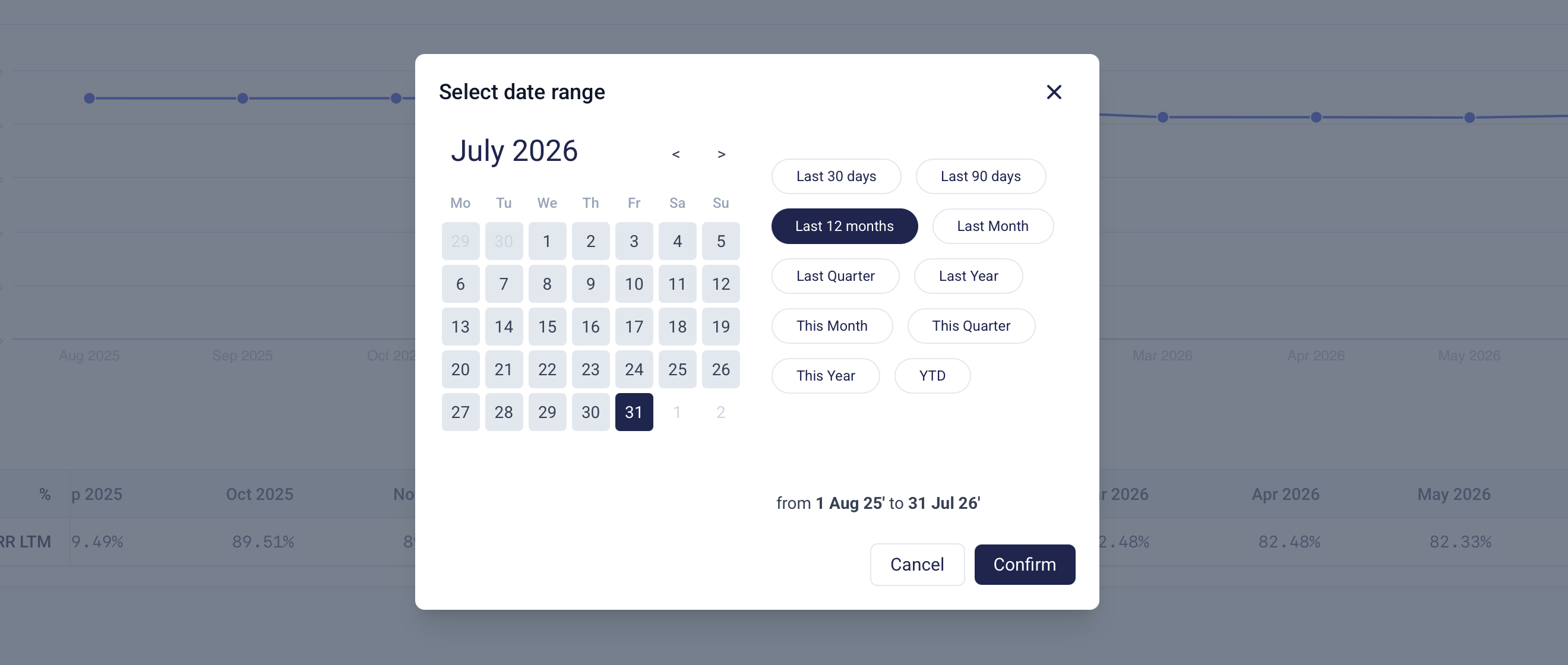
Date range
Dive deep in to your data by choosing between a relative range (for example "last 12 months"), which always follows today's date, or a fixed range with an explicit start and end date.
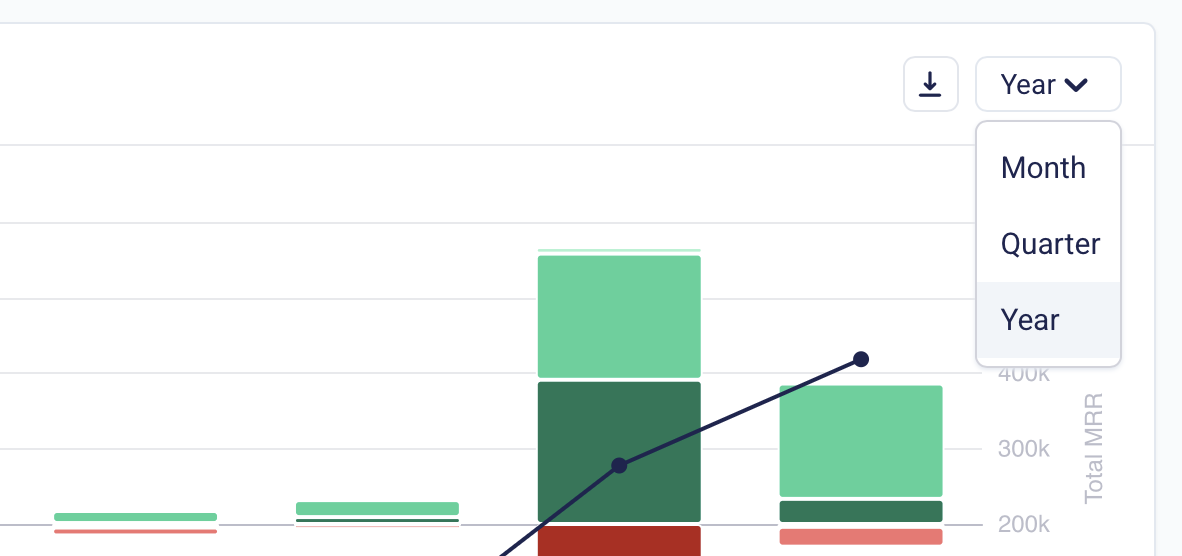
Granularity
To get diffent perspective on your data you can view each metric per month, quarter or year.
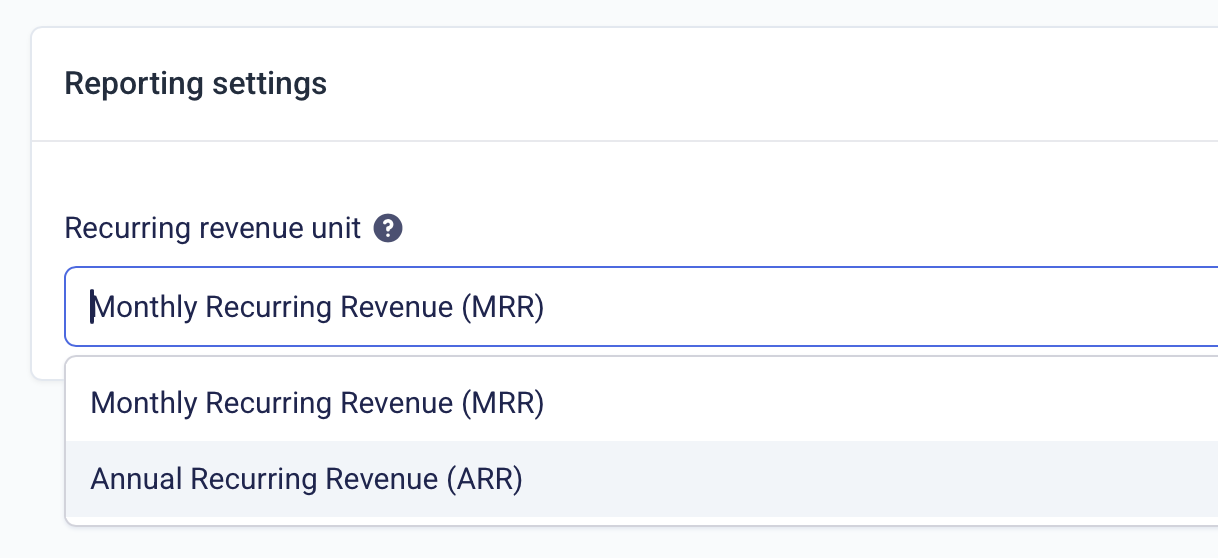
MRR / ARR
Recurring revenue metrics can be toggled between monthly (MRR) and annualized (ARR) mode. ARR is simply the monthly value multiplied by 12. You can change the recurring revenue unit in the reporting settings.
Understanding the numbers
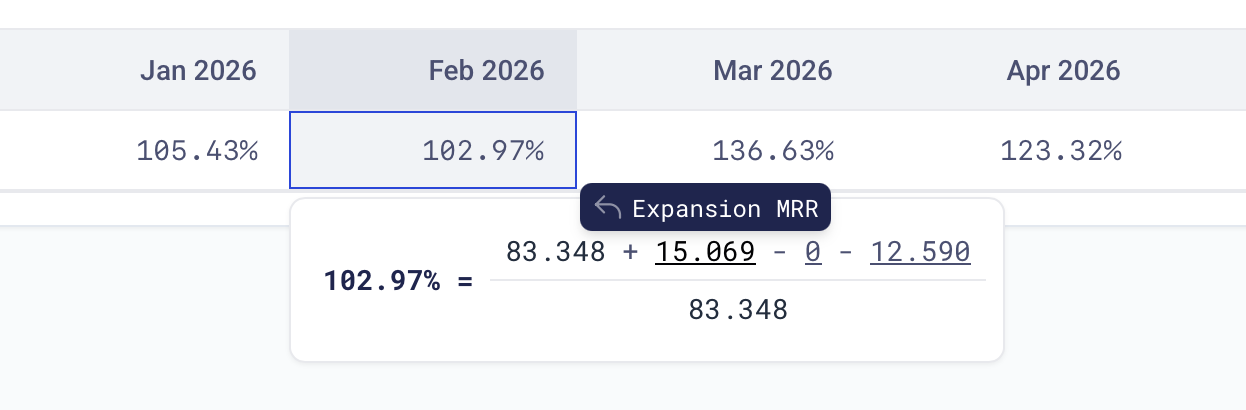
Click into a metric to open the value explorer, which shows the formula behind the metric and the value of each component. From there you can follow links to the underlying data, for example the MRR activities or subscriptions that make up a number, so every figure is fully accountable.
Exporting to Excel
Every metric can be downloaded as an Excel file using the download button on the widget. The export contains the same numbers as the table view for the selected date range and granularity.
Permissions
Access to the Reporting module requires the Reports permission. Users without it will not see the module. You can manage user permissions under Settings → Users.
FAQ
What does LTM mean?
LTM stands for Last Twelve Months. Where a regular value covers a single period, the LTM value is calculated over the trailing twelve months ending in that period. This smooths out month-to-month fluctuations and matches how metrics like NRR are typically quoted to boards and investors.
Why does my MRR not match my revenue?
MRR is not the same as your invoiced or recognized revenue. It is a normalized measure of your recurring revenue: only actual subscriptions count, so one-off sales and usage-based charges are excluded. Annual and quarterly subscriptions are spread out as a monthly value regardless of when they are invoiced, discounts reduce MRR while credit notes do not.